GoHighLevel Workflows – A Complete Guide to Smart CRM Automation

Running a business is not easy. Leads come in, calls are missed, follow-ups are delayed, and many opportunities are lost. Most of this happens because everything is handled manually.
This is where GoHighLevel Workflows change the game.
Workflows allow you to automate repetitive tasks inside your CRM so nothing falls through the cracks. In this guide, you will learn what GoHighLevel workflows are, how they work, and how businesses use them to save time and grow faster.
This is not documentation. It is a practical, easy-to-understand guide.
What Are GoHighLevel Workflows?
A GoHighLevel workflow is an automated process that runs in the background inside your CRM.
Instead of doing tasks manually, workflows do them for you.
For example:
Once a workflow is set up, it works 24/7 without manual effort. For local businesses and agencies, workflows mean:
How GoHighLevel Workflows Work (Simple Explanation)
Every workflow is built using three main parts.
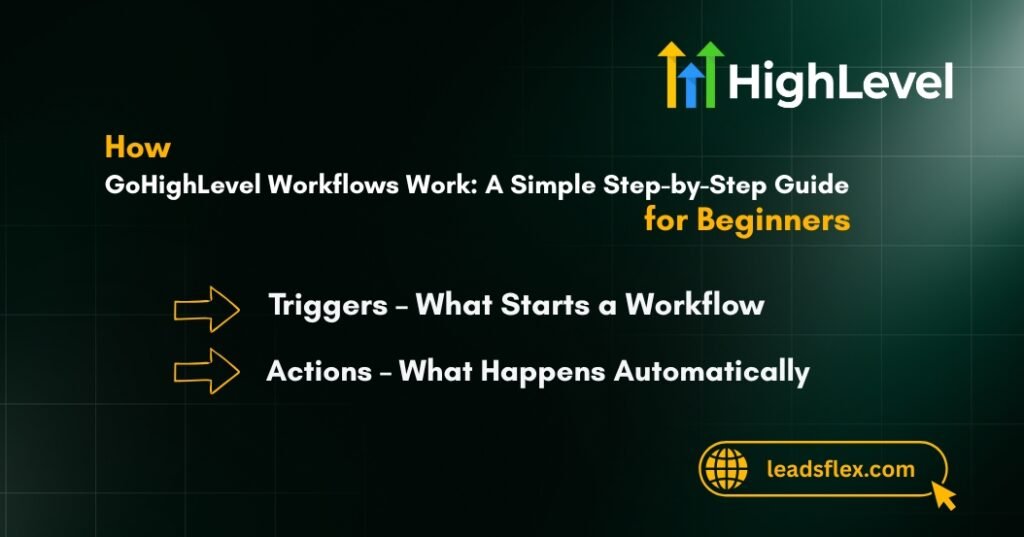
Triggers – What Starts a Workflow
A trigger is the event that starts automation.
Common triggers include:
Once the trigger happens, the workflow begins automatically.
Read this: GoHighLevel Advanced Workflow Automation: Best Practices for High-Converting Funnels
Actions – What Happens Automatically
Actions are the tasks that run after the trigger.
Examples of actions:
You can add one action or multiple actions based on your goal.
Conditions & Logic (If / Else Paths)
Conditions allow smarter automation.
For example:
This logic helps you treat every lead correctly.
Step-by-Step: How to Create a GoHighLevel Workflow
Creating a workflow is simple when done correctly.
Choose the Right Trigger
Wrong trigger selection is the most common beginner mistake.
Apply Filters (Optional but Powerful)
Filters help control who enters the workflow.
For example:
This keeps automation clean and relevant.
Read this: How to Build a High-Converting GoHighLevel Franchise Workflow Setup for Multi-Location Brands
Add Actions That Make Sense
Do not overload workflows with too many actions.
Focus on:
Simple workflows perform better than complex ones.
Set Timing & Delays
Timing matters a lot.
Examples:
Correct delays improve response rates.
Test Before Going Live
Always test your workflow using a test contact.
Check:
Testing prevents serious automation mistakes.
Read this: How to Use GoHighLevel Workflows? Strategies to Build Smart Automation
GoHighLevel Workflow Examples That Actually Grow Businesses
This is where most guides fail.
Below are real-world workflows businesses actually use.
Lead Follow-Up Automation Workflow
Problem: Leads are slow to respond.
Solution:
Result: Faster responses and higher conversion rates.
Missed Call Text-Back Workflow
Problem: Missed calls turn into lost leads.
Solution:
Result: You never lose a call again.
Appointment Reminder Workflow
Problem: High no-show rate.
Solution:
Result: Fewer no-shows and better scheduling.
Review Request Workflow
Problem: Customers forget to leave reviews.
Solution:
Result: More Google reviews automatically.
Re-Engagement Workflow for Cold Leads
Problem: Old leads go inactive.
Solution:
Result: Revive old leads without ads.
Advanced GoHighLevel Workflow Strategies
Once basics are clear, advanced strategies can be used.
Advanced automation should always stay simple and tested.
Common GoHighLevel Workflow Mistakes to Avoid
Avoid these mistakes:
Clean workflows outperform complex ones.
Best Practices for GoHighLevel Workflow Automation
These practices keep your CRM healthy.
Why GoHighLevel Workflows Matter for Local Businesses & Agencies
Workflows help businesses:
For agencies, workflows mean consistent results for clients.
For local businesses, they mean growth without chaos.
Read this: How to Set Up Workflows in GoHighLevel for SaaS Accounts? Complete Walkthrough
Need Help Setting Up GoHighLevel Workflows?
Simple workflows are easy.
High-converting workflows need experience.
A professionally built workflow:
If you want workflows that actually convert, expert setup makes the difference.
Conclusion
GoHighLevel workflows are not just automation tools.
They are growth systems for modern businesses.
When set up correctly, they:
Start simple, stay consistent, and let automation work for you.
FAQs About GoHighLevel Workflows
What is a workflow in GoHighLevel?
A workflow is an automated process that handles tasks inside the CRM.
How many workflows should I create?
Start with 3–5 essential workflows and expand gradually.
Are workflows better than campaigns?
Yes. Workflows are more flexible and smarter.
Can beginners use GoHighLevel workflows?
Yes, with proper setup and guidance.