How to use AI inside GoHighLevel effectively

Are you spending too much time replying to leads, writing messages, and managing follow-ups?
This is where AI inside GoHighLevel changes everything.
GoHighLevel brings powerful AI tools into one platform. These tools enable you to respond more quickly, automate conversations, and handle leads without being a stressor.
When used correctly, AI feels like a smart assistant working for you 24/7. This guide will show you how to use AI inside GoHighLevel effectively.
Why AI Matters Inside GoHighLevel
AI is not just a trend. It solves real problems. Businesses lose leads because replies are late. Teams waste hours on manual work. AI fixes this.
With AI inside GoHighLevel, you can:
Think of AI like an autopilot. You are still in control of the plane, though routine tasks are handled by the system.
What Is AI in GoHighLevel?
AI in GoHighLevel entails smart automation. It employs artificial intelligence to comprehend messages, respond, and take actions automatically.
AI vs Manual Work
Hand labour is cumbersome and tiresome. AI is quick and is not sleepy. Rather than typing in the same answer over and over again, AI even does it in a few seconds.
Read this: Gohighlevel vs custom-built stack: Which Is Better?
Who Can Benefit Most from GoHighLevel AI
If you deal with leads, messages, or follow-ups, AI helps you instantly.
Key AI Features Inside GoHighLevel
GoHighLevel is a provider of intelligent AI tools that run in the background. These functions assist companies in responding promptly, automating, and conserving time.
The day-to-day work becomes easy with AI without technical expertise. AI Conversation and Chat Responses
AI is able to respond to a chat on websites, SMS, and the inbox. It comprehends fundamental questions and provides useful answers.
AI Content & Message Generation
Require emails, SMS, or follow-up messages? AI writes them for you. You just review and send.
AI Workflow Automation
AI works with GoHighLevel workflows. When something happens, AI reacts.
New lead comes in? AI replies instantly. No delay.
AI reminds, makes follow-ups, and sends nurturing messages automatically.
Such AI capabilities will enable companies to save time, respond to leads more quickly, and manage them better with GoHighLevel.
Read this: How GoHighLevel actually works behind the scenes
How to Set Up AI Inside GoHighLevel
Installing AI in GoHighLevel is easy. AI tools do not require technical expertise to use. All that you can do is right there on your dashboard.
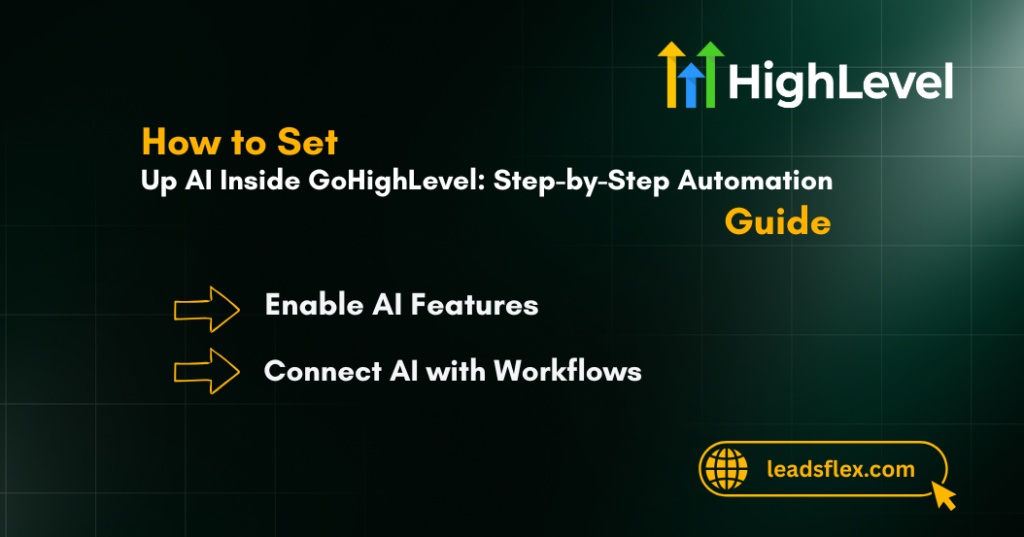
Enable AI Features
Select your GoHighLevel dashboard. Empower AI tools either through settings or workflows, based on your plans.
Connect AI with Workflows
Design processes and insert AI activities.
For example:
Test Before Going Live
No matter what you do with your AI, you should always test the messages to ensure they are delivered in the proper format before applying them to actual leads.
Using AI for Lead Management
AI makes lead management faster and more organised. It handles first replies and basic questions automatically.
This helps your team focus on serious and ready-to-buy leads.
Smart Lead Replies
AI replies instantly when a lead fills a form or sends a message. Fast replies increase conversions.
Lead Qualification with AI
AI can ask basic questions. It filters serious leads from casual ones. Your sales team talks only to qualified leads.
This saves time and improves results.
Using AI for Marketing Automation
AI helps run marketing tasks smoothly without extra effort. It creates messages, sends follow-ups, and keeps campaigns active.
This saves time and maintains consistent communication.
AI for Email & SMS Writing
AI writes:
You don’t start from scratch. AI gives you a ready draft.
Read this: Mistakes to avoid when scaling GHL saas? Key Mistakes
AI for Campaign Optimization
AI helps adjust messages based on responses. If something isn’t working, you can change it quickly.
How Businesses Use AI in GoHighLevel in Real Life
AI inside GoHighLevel is used in daily business tasks to save time and improve results. It works quietly in the background and supports sales, marketing, and support teams.
Here are some real and practical use cases.
Agencies
Marketing agencies have a large number of clients. AI assists them in responding to new leads in real-time. It can book calls, send follow-up messages, and automatically update client records.
Local Businesses
The day-to-day use of AI is in local companies, such as dentists, plumbers, salons, and gyms. AI responds immediately when a person sends a message. It answers common questions and books appointments.
Coaches and Consultants
Coaches and consultants use AI to manage inquiries and schedule calls. AI sends reminders before meetings. It also follows up with interested leads. This keeps the process organized and helps convert more leads without stress.
Best Practices to Use AI Effectively
The most effective way to use AI is to follow its rules and use simple settings. AI must not be relied upon at all times, and a human touch is required.
AI should not be used to replace your work but rather assist it. To get the best results:
AI is optimally well-directed.
Common Mistakes to Avoid
Application of AI without adequate arrangement may lead to issues and ruin your brand. You should always test AI and monitor how it responds.
AI must sound natural and human, not robotic or too long. Avoid these errors:
AI should sound human, not robotic.
Read this: Is GoHighLevel good without paid ads?
Why GoHighLevel Is Best for AI Automation
GoHighLevel stores all your tools under one roof, and therefore, everything works smoothly. The system is non-technical and easily automated by AI.
You are able to grow your business without additional facilities and personnel. Benefits include:
Moreover, GoHighLevel is also free to use with a 30-day trial and a free growth consultation. It is easy to test that.
Read this: Is GoHighLevel scalable for growing agencies? Quick Overview
Conclusion
Using AI inside GoHighLevel effectively can completely change how you work.
AI does this instead of spending hours doing menial work.
If you want better results, less stress, and more time, start using AI in GoHighLevel today. Try the 30-day free GoHighLevel trial and book a free consultation to see it in action.